![HRPS Logo1.png]](https://knowledgebase.hrperformancesolutions.net/hs-fs/hubfs/HRPS%20Logo1.png?height=50&name=HRPS%20Logo1.png)
-
Select Employees from the Admin menu. The list of employee records appears.
-
Click the arrow next to Employees, then select Positions.
-
Select the position for which you want to view or print the summary
-
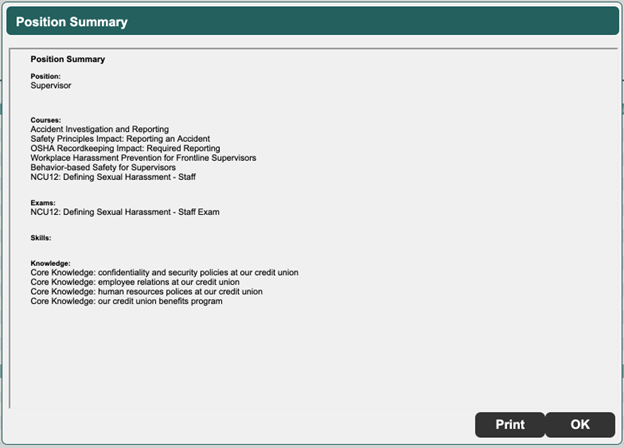
Click Summary. The Position Summary screen appears.
-
Click Print to print the summary, or OK to close the screen.