![HRPS Logo1.png]](https://knowledgebase.hrperformancesolutions.net/hs-fs/hubfs/HRPS%20Logo1.png?height=50&name=HRPS%20Logo1.png)
-
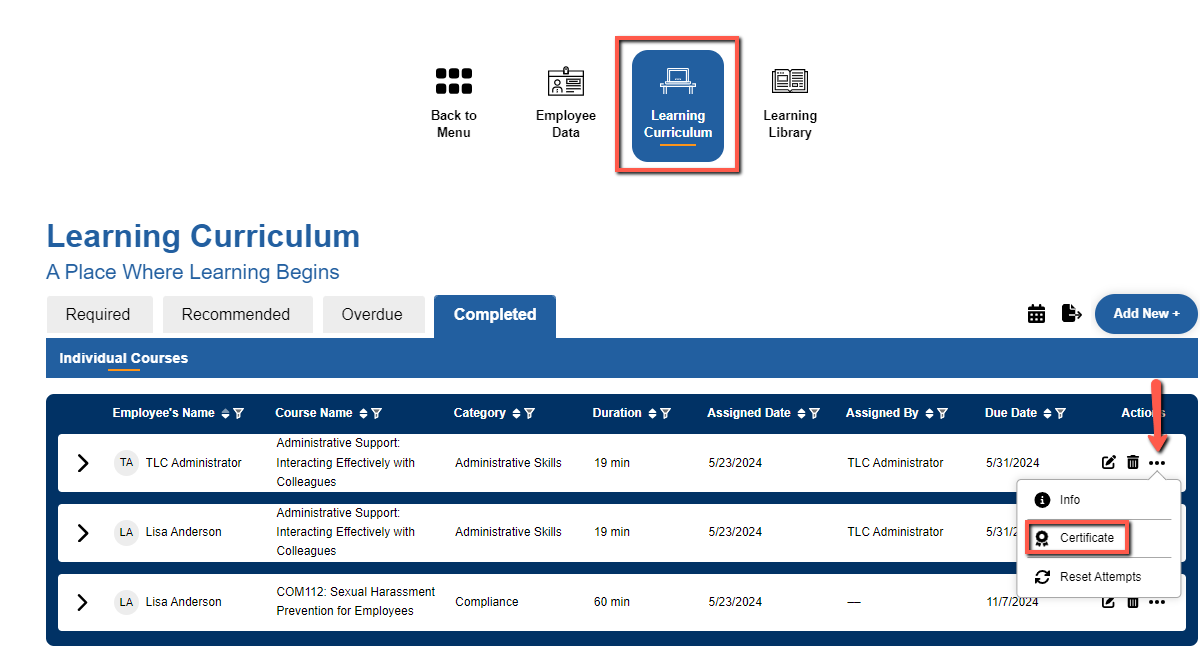
Select Learning Curriculum and click on the Completed tab.
-
Click on the ellipsis and select Certificate.
-
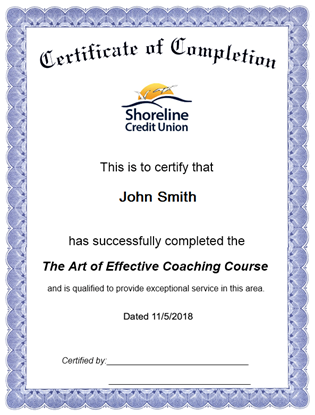
A new window or tab will open in your browser, allowing you to print out a copy of the certificate for the course or course and exam.
-
To print the certificate, click the right button on your mouse and select Print.