![HRPS Logo1.png]](https://knowledgebase.hrperformancesolutions.net/hs-fs/hubfs/HRPS%20Logo1.png?height=50&name=HRPS%20Logo1.png)
Use the Search option to locate a course by text either in the title or description.
To locate a course:
- Search using specific text, select
 from the TLC menu bar. The Search screen appears.
 - Enter the text you’re searching for. As you type, the modules that contain the text will begin to appear.
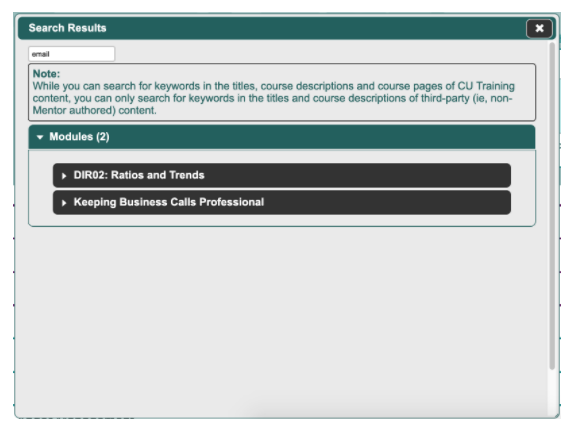
- Select the name of the course that you want to open, then click Go. If the course has been authored by CU Training (these courses typically have a letter/number prefix, as in ‘BOD102’), you can also use the in-course search function to locate exactly where in the course the text appears.
To see the search function in action, please view the following video: