![HRPS Logo1.png]](https://knowledgebase.hrperformancesolutions.net/hs-fs/hubfs/HRPS%20Logo1.png?height=50&name=HRPS%20Logo1.png)
Salary Reports-->Salary Ranges:
-
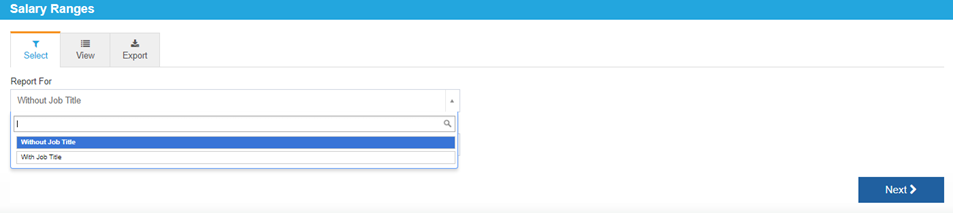
View with or without job titles.
-
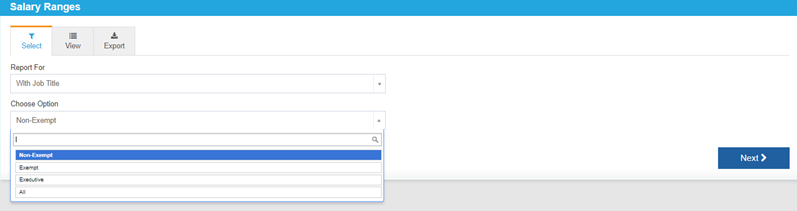
View by non-exempt, exempt, executive or all.
-
Click Next icon or View tab.
-
On View tab, use the page icons to change pages.

-
Print the report from this screen.
-
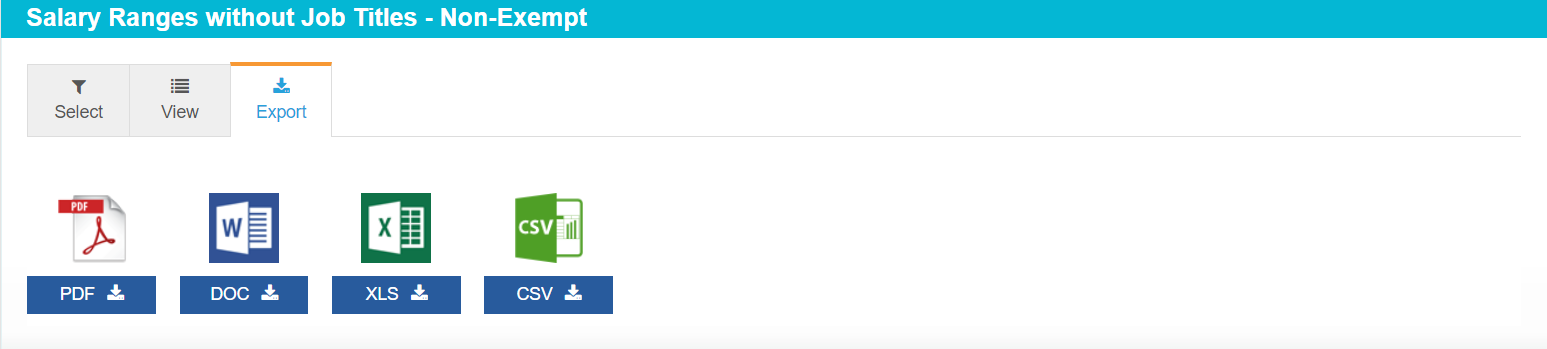
Click Export tab to export the report to PDF, DOC, XLS, or CSV.
 Did this answer your question?