![HRPS Logo1.png]](https://knowledgebase.hrperformancesolutions.net/hs-fs/hubfs/HRPS%20Logo1.png?height=50&name=HRPS%20Logo1.png)
To View Routing Notes from Notes & Documents Table
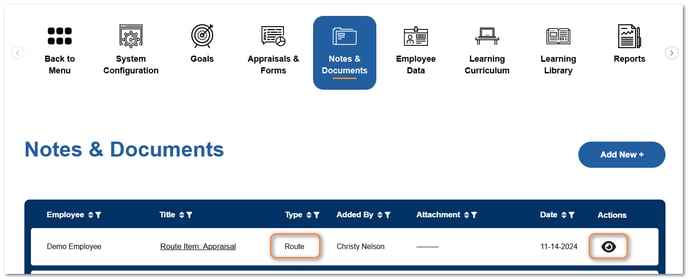
Click Notes & Documents.
Routing Notes will display "Route" in the Type column.
Click the view icon to view the contents of the routing note.
To View Routing Notes on an Open Appraisal
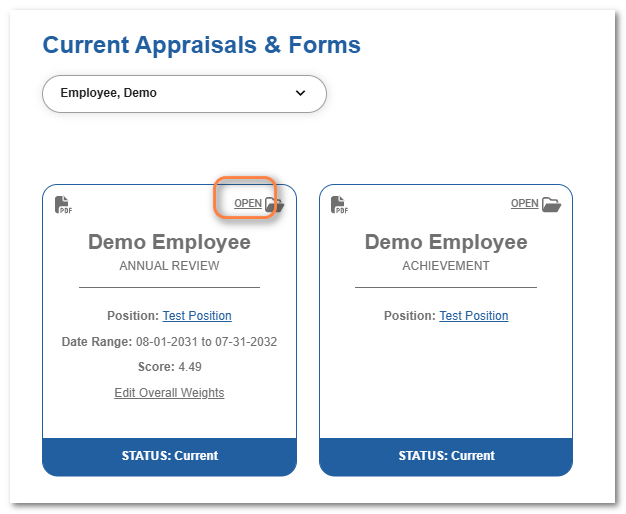
Click Open on the appraisal card.
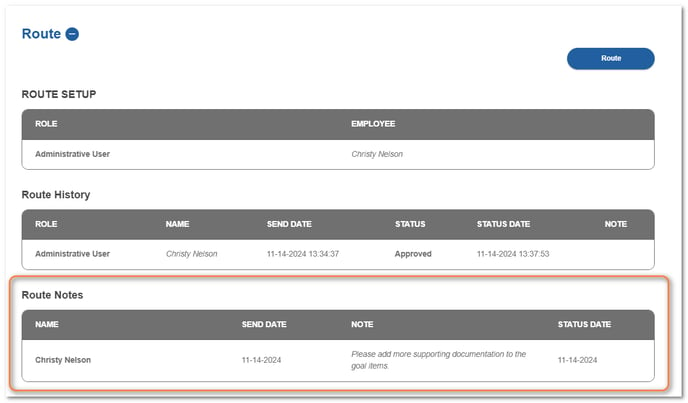
Click Merge & Route.

From the Route section, view the Route Notes table.
To View Routing Notes on an Open Form
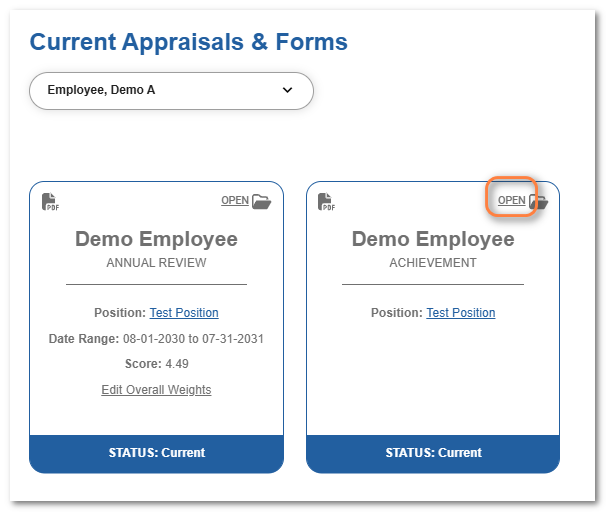
Click Open on the form card.
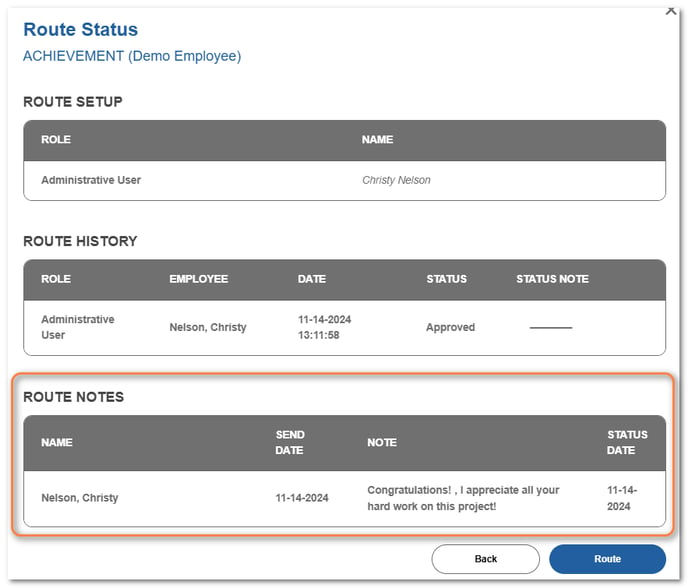
Click Route.
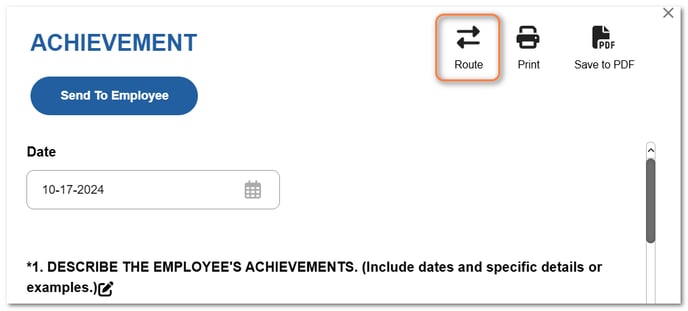
View the routing notes in the Route Notes box.