![HRPS Logo1.png]](https://knowledgebase.hrperformancesolutions.net/hs-fs/hubfs/HRPS%20Logo1.png?height=50&name=HRPS%20Logo1.png)
NOTE
There are two ways to create positions:
1. Create a position from a master position (explained in How to Create a Position by using a Master Position)
2. Create a position from scratch (explained in this article.)
To Create a New Position from Scratch
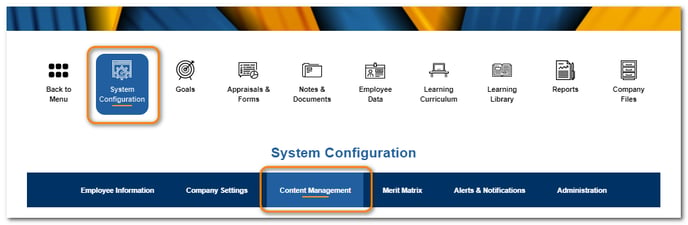
Click System Configuration then Content Management.
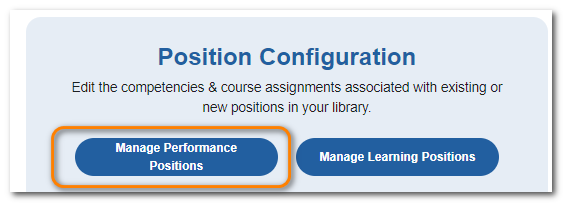
From Position Configuration, click Manage Performance Positions.
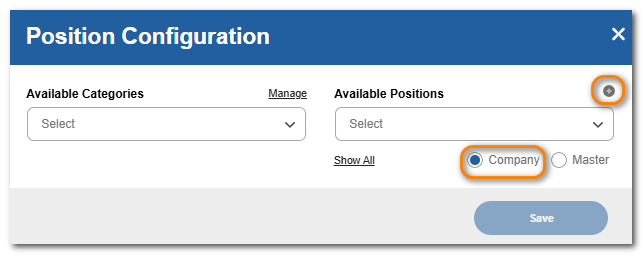
Ensure the Company radio button is selected. Click the + sign.
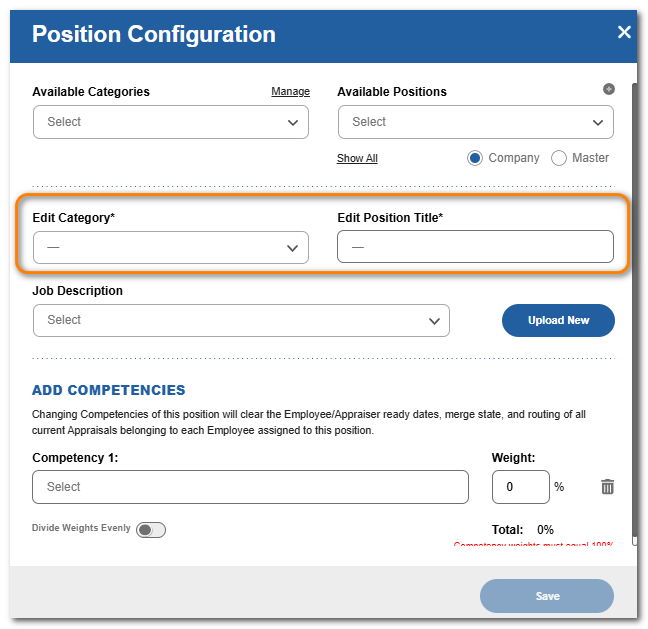
Choose a category and enter a name for the position.
TIP
Job Descriptions can be linked to Positions. For additional information, search for articles related to uploading and linking Job Descriptions.
To Add Competencies to the Position
Click Add Competency+.
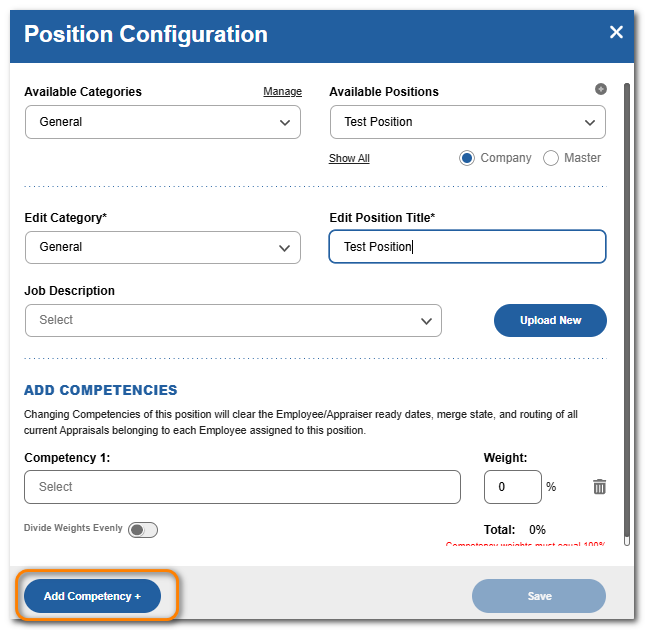
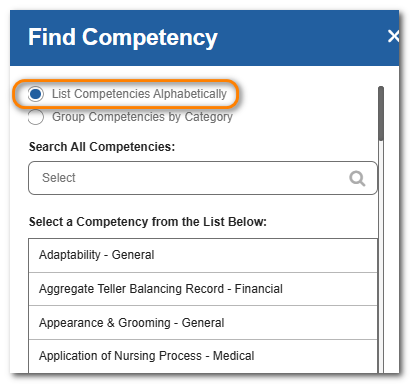
You can view the list of available competencies alphabetically by name.
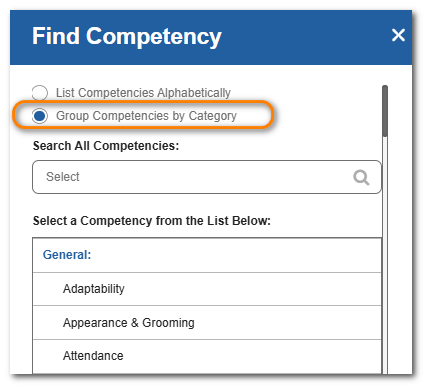
You can view the list of available competencies by the category they are assigned to.
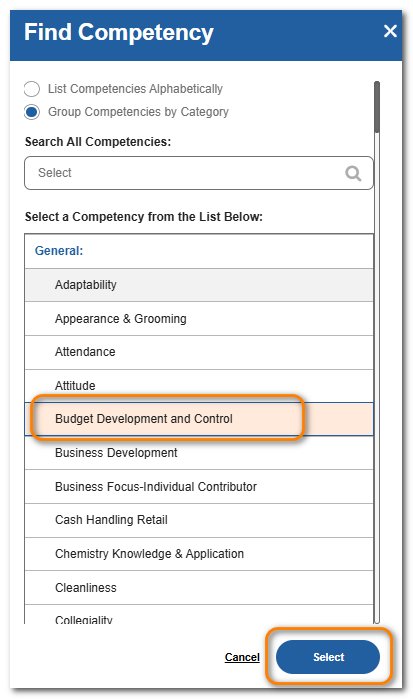
Click the competency from the list and click Select.
Set a weight. If desired, click Divide Weights Evenly to spread the weight evenly across all assigned competencies.
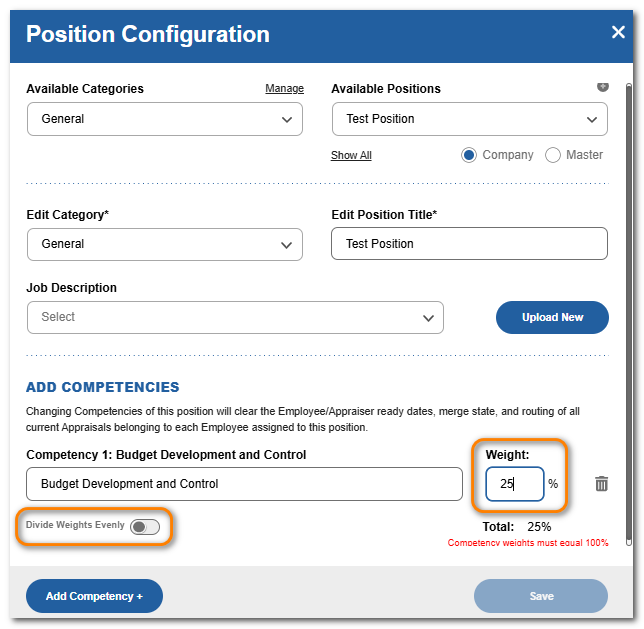
Continue to add competencies as needed. When weights total 100%, click Save.