![HRPS Logo1.png]](https://knowledgebase.hrperformancesolutions.net/hs-fs/hubfs/HRPS%20Logo1.png?height=50&name=HRPS%20Logo1.png)
Setting up Action Step Options
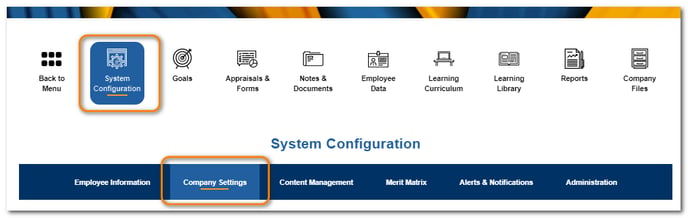
Click System Configuration, then Company Settings.
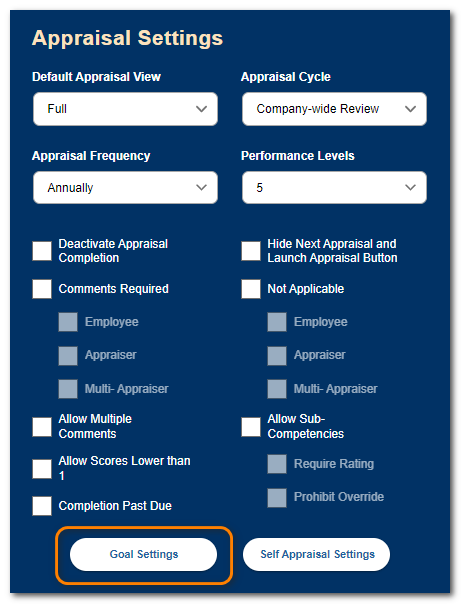
From the Appraisal Settings section, click Goal Settings.
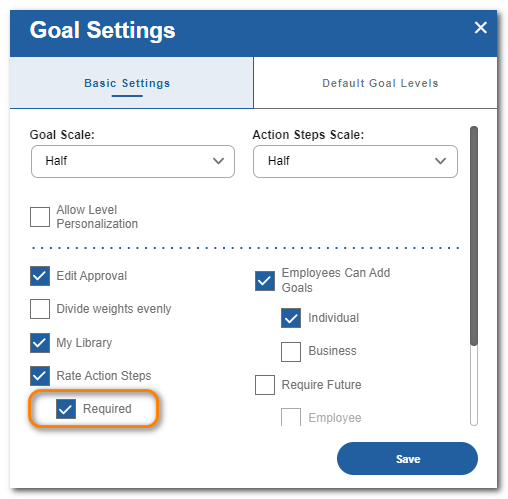
By default, action steps are for informational purposes only. If you would like users to have the option of rating each action step, check Rate Action Steps and click Save.
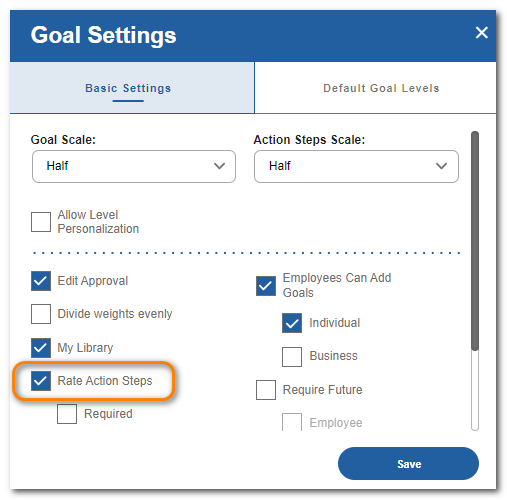
If you would like to require users to rate each action step, check Required and click Save.
Action Step scores will automatically be averaged together to give a suggested score for the goal. The user can keep the suggested score or input a different one.
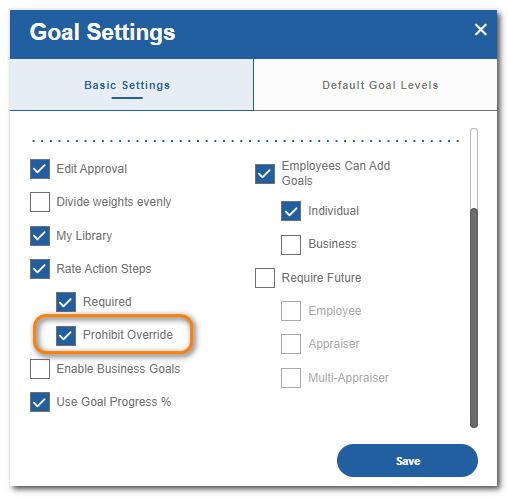
If you would like to prevent the user from choosing a different score, check Prohibit Override and click Save.