![HRPS Logo1.png]](https://knowledgebase.hrperformancesolutions.net/hs-fs/hubfs/HRPS%20Logo1.png?height=50&name=HRPS%20Logo1.png)
To View, Edit, or Print Forms
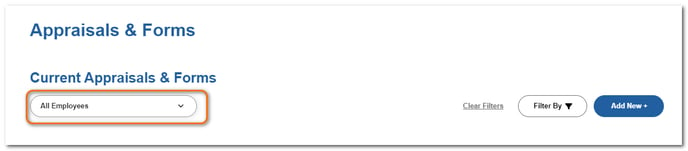
Click Appraisals & Forms.

Select the employee.
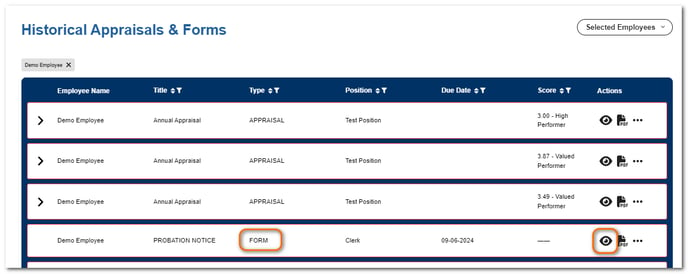
If the form has been marked Complete, it will appear in the Historical Appraisals & Forms table. No further edits can be made to it. Click the View icon to open it.
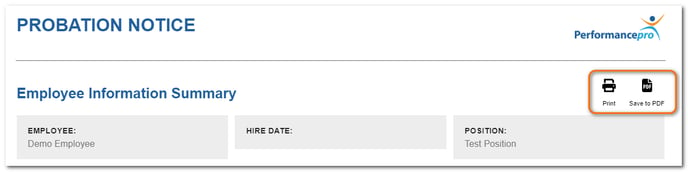
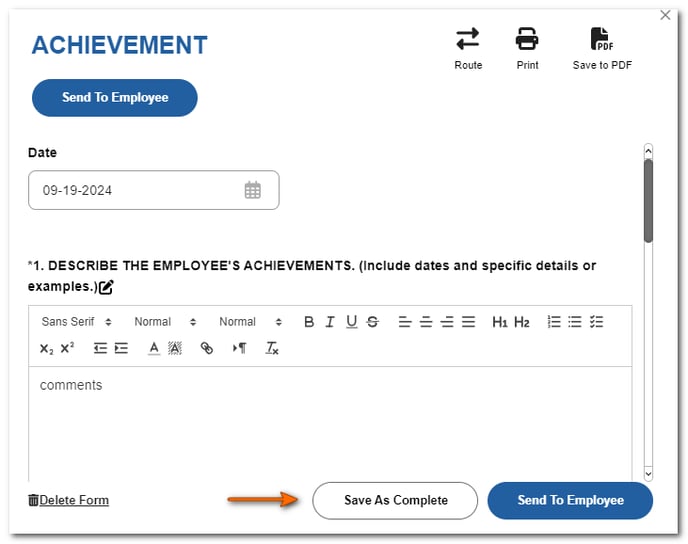
Click Print or Save to PDF if desired.
If the form is still pending and not complete, click Open on the form card in the Current Appraisals & Forms section.

Click Print or Save to PDF.
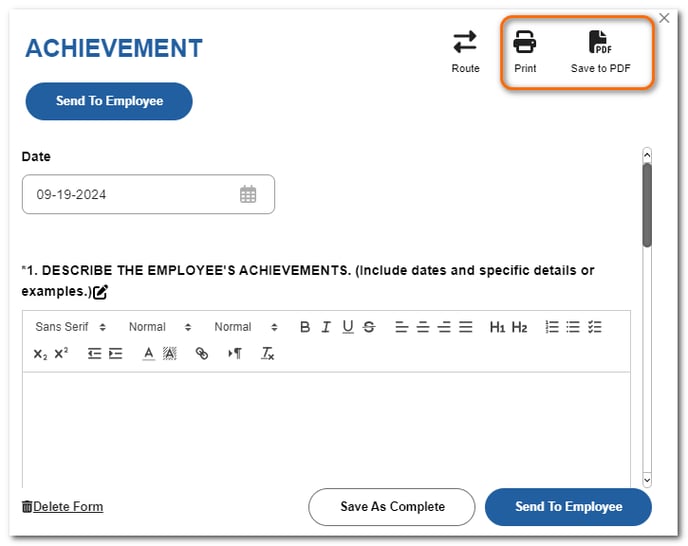
If edits are needed, make any desired edits. Changes will automatically save. If the form is final and no edits will be needed, click Save as Complete.
NOTE
- Appraisers and those with Downline Edit ability may view, print, and edit forms with a pending status, regardless of who created the item. However, once the form has been saved as complete, they can only view and print.
- When viewing historical completed forms, be aware that the employee's position, department, division, and location displayed on the form is the information that was in place at the time the form was saved as complete.