![HRPS Logo1.png]](https://knowledgebase.hrperformancesolutions.net/hs-fs/hubfs/HRPS%20Logo1.png?height=50&name=HRPS%20Logo1.png)
NOTES
- Reinstating the employee requires that you have a license available for this employee.
- Their termination date will be removed when they are reinstated.
- If your system is integrated with our Compease product, the reinstate process will need to be performed from the Compease side from Employee Master > Archived Employees.
To Reinstate an Employee
Click Employee Data.

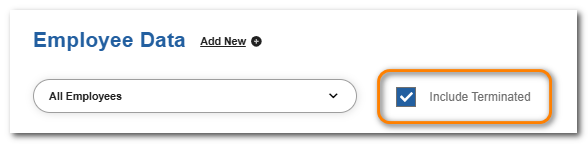
Click Include Terminated.
Select the employee from the dropdown.
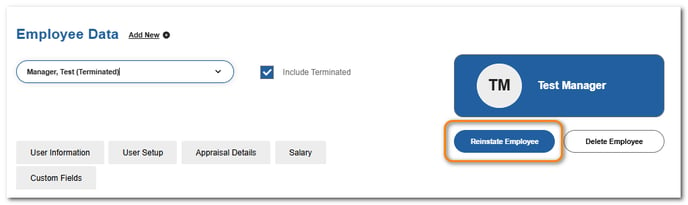
Click Reinstate Employee.