![HRPS Logo1.png]](https://knowledgebase.hrperformancesolutions.net/hs-fs/hubfs/HRPS%20Logo1.png?height=50&name=HRPS%20Logo1.png)
To Remove the Read-Only Status from a Self-Appraisal and Allow for Employee Edits
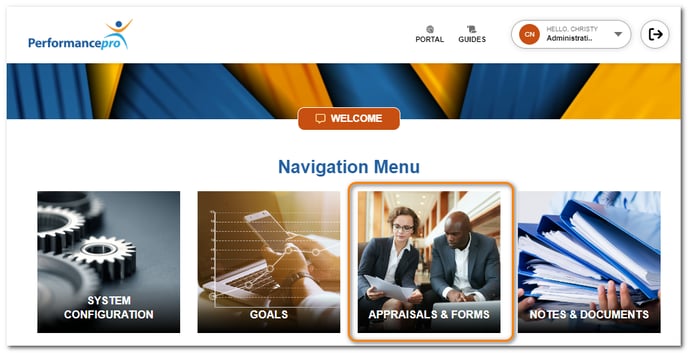
Click Appraisals and Forms.
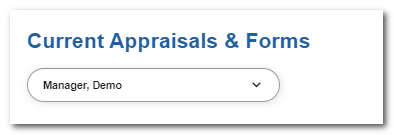
Select the employee.
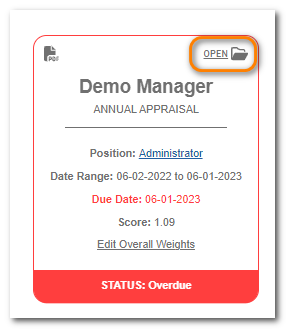
Click Open on the appraisal.
Click Mark Ready.
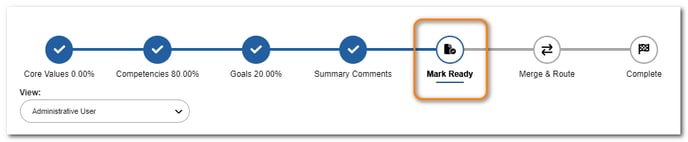
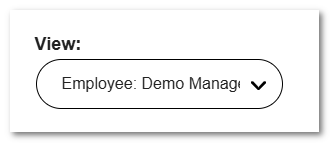
From the View dropdown, change your view to the employee's name.
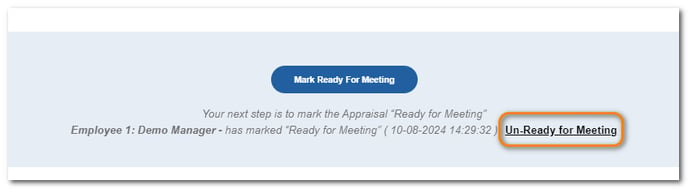
Scroll to the bottom of the screen and click Un-Ready for Meeting beside the user. The user can now access the appraisal screens again and perform further input.