![HRPS Logo1.png]](https://knowledgebase.hrperformancesolutions.net/hs-fs/hubfs/HRPS%20Logo1.png?height=50&name=HRPS%20Logo1.png)
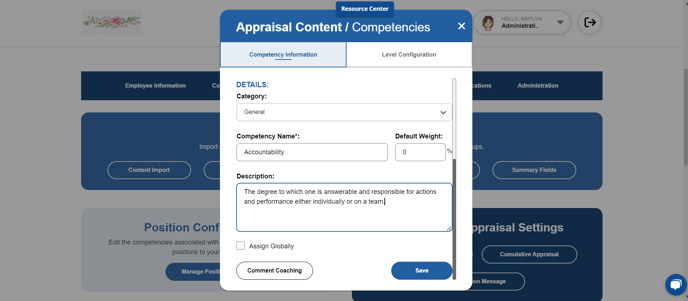
Note: Changes made to a competency will automatically update all positions to which the competency is assigned.
Click System Configuration, then Content Management.
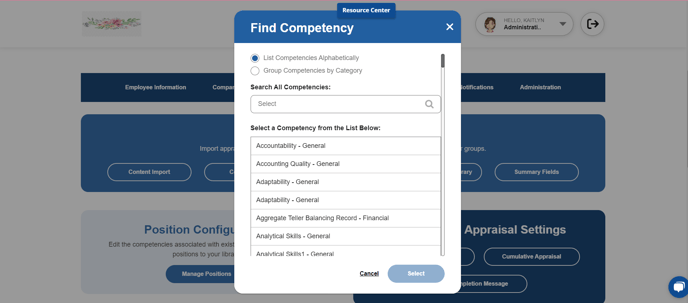
From the Competencies tab, select the competency you wish to edit. Ensure the "Company" radio button is selected so your company categories display instead of the master categories.
Make desired edits in the name and/or description and then click Save.