![HRPS Logo1.png]](https://knowledgebase.hrperformancesolutions.net/hs-fs/hubfs/HRPS%20Logo1.png?height=50&name=HRPS%20Logo1.png)
Grant Employee Access to Uploaded Job Descriptions
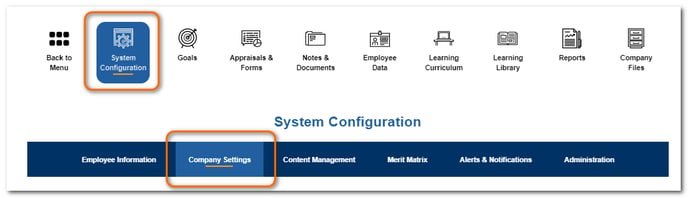
Click System Configuration then Company Settings.
From the Show Job Description section, click Show.
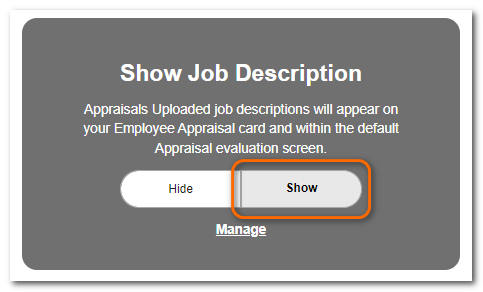
Click Save.
NOTE
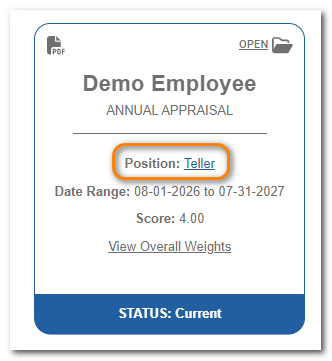
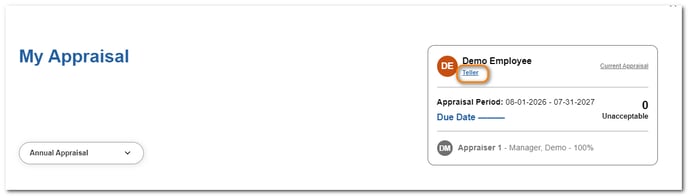
Clicking Show will activate a link to the uploaded job description that will appear on the employee’s appraisal card and on the default evaluation screens.
TIP
See article, “Uploading Job Descriptions and Linking to Positions” for information on uploading your job descriptions and linking them to your positions.