![HRPS Logo1.png]](https://knowledgebase.hrperformancesolutions.net/hs-fs/hubfs/HRPS%20Logo1.png?height=50&name=HRPS%20Logo1.png)
Logged in as an employee, click Appraisals & Forms.

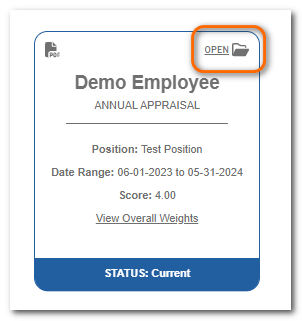
To start or continue the appraisal, click Open on the appraisal card.
Ensure the Competencies section is selected. You will see the competency name, weight, description, the score bar and the level descriptions.
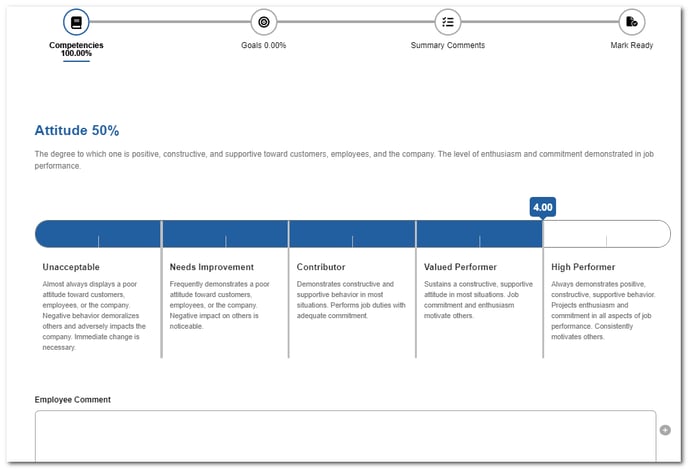
Click on the scoring bar to rate the item.
Add comments (if desired or required) in the Employee Comment box.
Scroll down to rate the next competency. When all competencies are rated, click Next to move to the next area of the appraisal.