![HRPS Logo1.png]](https://knowledgebase.hrperformancesolutions.net/hs-fs/hubfs/HRPS%20Logo1.png?height=50&name=HRPS%20Logo1.png)
Logged in as an employee, click Appraisals & Forms.

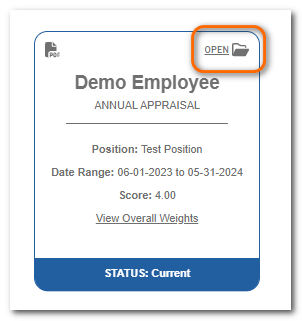
To start or continue the appraisal, click Open on the appraisal card.
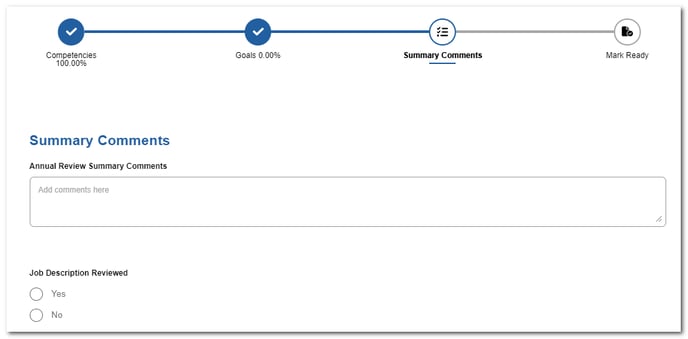
Click Summary Comments.

Populate the available fields as appropriate.
Note
There may be a variety of fields available (comment fields, check boxes, drop-down menus, etc.) depending on how your organization has customized this screen.
When all items are rated and summary comments are entered, move to Mark Ready to finish your self-appraisal.