![HRPS Logo1.png]](https://knowledgebase.hrperformancesolutions.net/hs-fs/hubfs/HRPS%20Logo1.png?height=50&name=HRPS%20Logo1.png)
E-signing the Appraisal
- Logged in as an Employee, in the Navigation Menu, click Appraisals and Forms.

Locate your list of Historic Appraisals & Forms and select the red sign icon under Actions.

Click Sign.
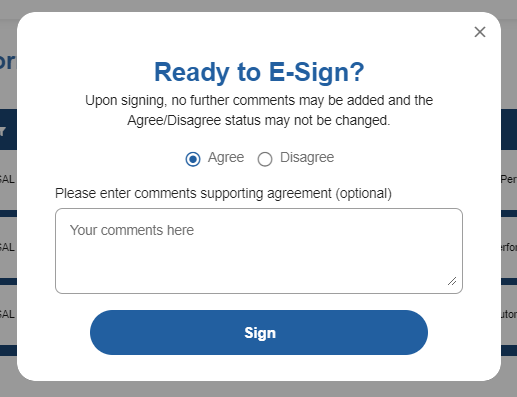
- Please note, if you mark Agree, comments are optional. If you mark, Disagree, you will be required to add a comment before you can complete the signature.