![HRPS Logo1.png]](https://knowledgebase.hrperformancesolutions.net/hs-fs/hubfs/HRPS%20Logo1.png?height=50&name=HRPS%20Logo1.png)
To get a full demonstration of the Merit Matrix, please see this video.
To Activate the Merit Increase Function
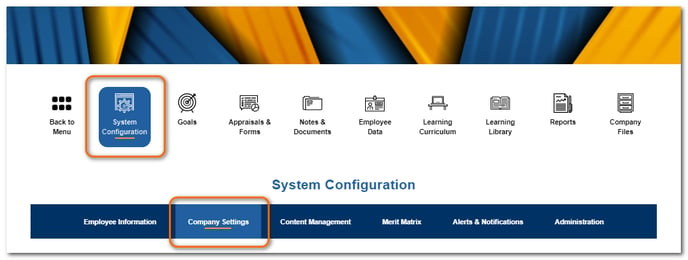
Select System Configuration then Company Settings.
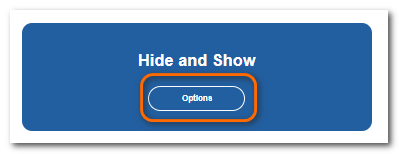
From the Hide and Show section, click Options.
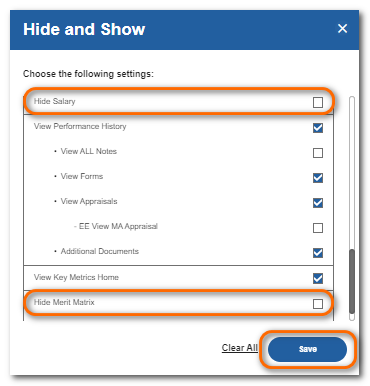
Uncheck Hide Merit Matrix and Hide Salary.
Click Save.
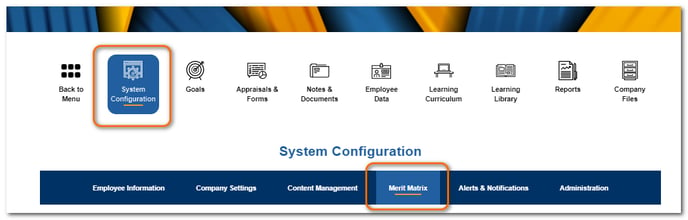
Once unhidden, the Merit Matrix will appear in the sub menu under System Configuration.