![HRPS Logo1.png]](https://knowledgebase.hrperformancesolutions.net/hs-fs/hubfs/HRPS%20Logo1.png?height=50&name=HRPS%20Logo1.png)
Merit Increase Planning-->Calculate Increase-->Calculate Increases:
-
Select Calculate Increases under Calculate Increase. This will automatically calculate the increases for all employees in the current plan.
-
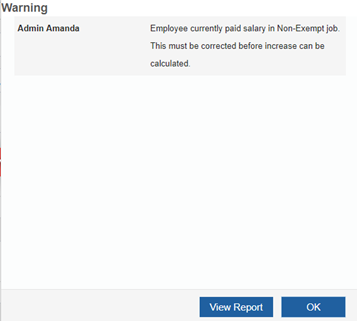
An error may be received while calculating. If so, an explanation will be provided on the error message displayed. Correct the error and recalculate before proceeding. Select OK or View Report.
-
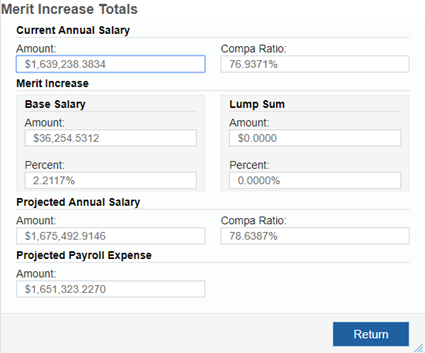
A Merit Increase Totals screen will appear giving you a summary of the merit increase calculations. Click Return.
-
Please note: Changes are not made to employee records in Manage Data until the Update Employee Data feature is utilized or the changes are manually made in Structured Compensation.