![HRPS Logo1.png]](https://knowledgebase.hrperformancesolutions.net/hs-fs/hubfs/HRPS%20Logo1.png?height=50&name=HRPS%20Logo1.png)
Performance Pro includes over 200 master job descriptions. You may also upload your own job descriptions. These job descriptions may then be linked with employee positions.
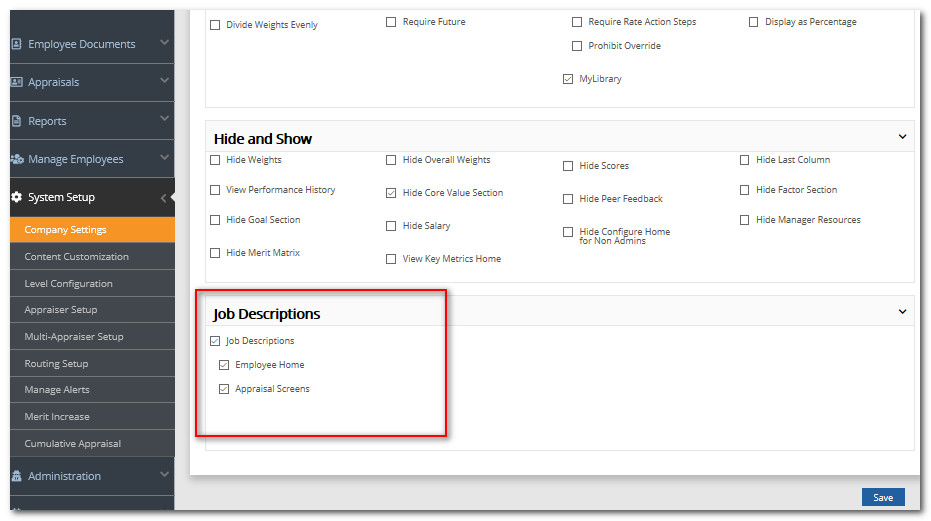
You can make Job Descriptions viewable to users through a widget on the Home Screen, and/or accessible on the appraisal screens during the evaluation.
To Activate the Job Description Feature
Click System Setup.
Click Company Settings.
Scroll to the "Job Descriptions" Settings.
Select where the Job Descriptions should be accessible
Click Save.
 Did this answer your question?