![HRPS Logo1.png]](https://knowledgebase.hrperformancesolutions.net/hs-fs/hubfs/HRPS%20Logo1.png?height=50&name=HRPS%20Logo1.png)
Q. How do I run the report on terminated employees?
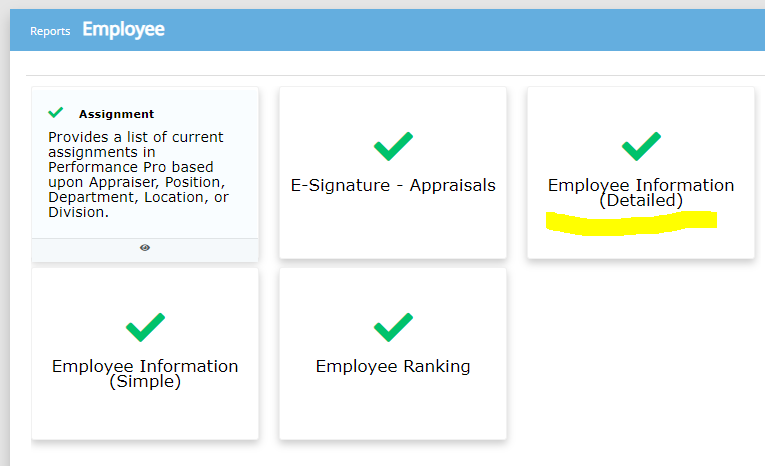
A. Go to Reports > Employee > Select Employee Information (Detailed).
Next, apply the filter "Include Terminated Employees." Then click Done. Next, click the Export tab and click Export to CSV. In the spreadsheet, if there is a date listed in column O, that means it is a terminated employee.
 Did this answer your question?