![HRPS Logo1.png]](https://knowledgebase.hrperformancesolutions.net/hs-fs/hubfs/HRPS%20Logo1.png?height=50&name=HRPS%20Logo1.png)
If you are using Performance Pro and scores are hidden or you've customized the default final range and scores scale, the competency and goal ratings may differ from the overall appraisal rating.
This is because our final scores and ranges are hard coded as follows, when using a five-point scale:
5 - Exceptional
4.0-4.99: Exceeds Expectations
3.0-3.99: Solid Performer
2.0-2.99: Needs Improvement
0 - 1.99: Unacceptable
To sync the competency and goal ratings with the final appraisal rating, enable the "Harmonize Scores" feature. Once saved, the competency and goal ratings line up to match what is calculated as the actual overall rating.
To enable Harmonize Scores:
Click System Configuration, then Content Management.
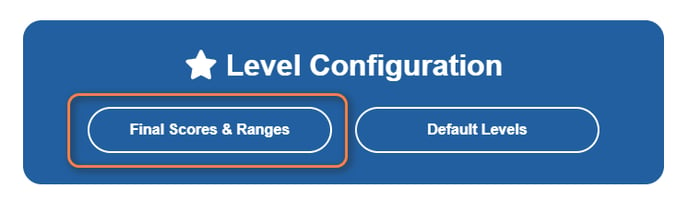
From the Level Configuration area, click Final Scores and Ranges.
.png?width=688&height=427&name=Snip%20-%20HR%20Performance%20Solutions%20-%20Google%20Chrome%20(9).png)
Note: If you set a different number of performance levels than 5, your ranges will differ from the example provided.