![HRPS Logo1.png]](https://knowledgebase.hrperformancesolutions.net/hs-fs/hubfs/HRPS%20Logo1.png?height=50&name=HRPS%20Logo1.png)
-
Select Schedules from the Admin menu. The Courses screen appears. If you want to generate a completion certificate for an exam, click the arrow next to Courses, and select Exams.
-
Use the search, sort, or filter functions to locate the student and course or exam for which you want to create a certificate.
-
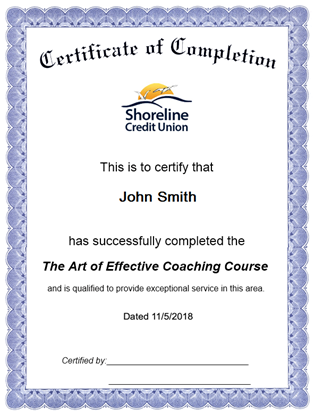
Click Certificate on the toolbar. The certificate appears.
-
To print the certificate, click the right button on your mouse and select Print.
-
You may want to sign the certificate to confirm the learner’s training.