![HRPS Logo1.png]](https://knowledgebase.hrperformancesolutions.net/hs-fs/hubfs/HRPS%20Logo1.png?height=50&name=HRPS%20Logo1.png)
To have a physical record of the TLC courses and assessments (exams) you’ve successfully finished, you can generate completion certificates. Generate a course assessment when you’ve completed a course, an assessment certificate when you’ve completed an assessment, or generate both certificates when you’ve completed the entire module (course and assessment).
To generate a completion certificate, do the following:
- From the TLC dashboard, select the course you want to generate a completion certificate for under the Registered Training tab.
- When the Module Description appears, select the course or assessment certificate icon in the Status box, depending on which certificate you want to generate.
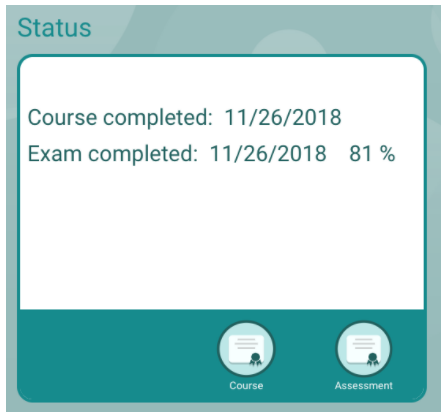
The certificate is generated in a new window.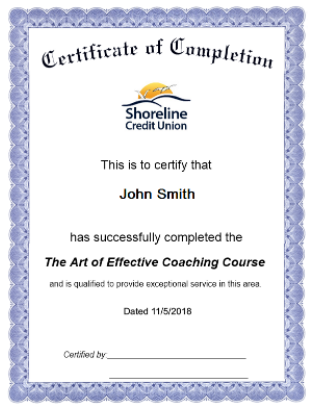
- To print the certificate, click the right button on your mouse, and select Print from the menu that appears.
- Ask your manager or training administrator to sign the certificate to confirm your training.