![HRPS Logo1.png]](https://knowledgebase.hrperformancesolutions.net/hs-fs/hubfs/HRPS%20Logo1.png?height=50&name=HRPS%20Logo1.png)
Within Performance Pro, your HR team can make various forms available for you to use. Once HR has made a form available to employees, you can begin working on it. Along with the video above, the steps to select and complete a form are below:
First, ensure you are in your employee role and click Annual Appraisals & Forms.


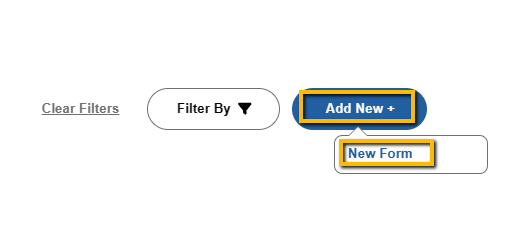
Click Add New, then click New Form.
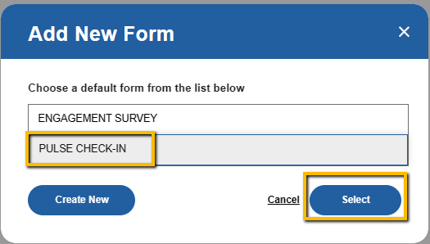
Make your form selection from the list of forms, then click Select.
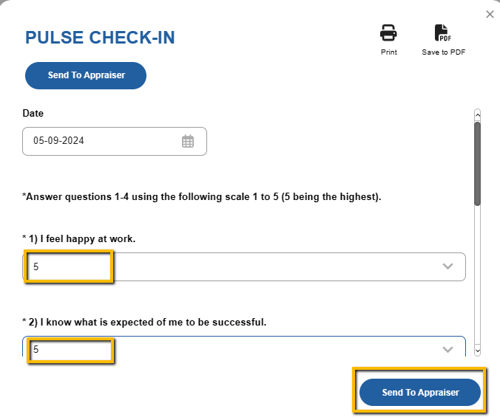
Fill in any of the "Employee" fields on the form. When finished, click Send to Appraiser.