![HRPS Logo1.png]](https://knowledgebase.hrperformancesolutions.net/hs-fs/hubfs/HRPS%20Logo1.png?height=50&name=HRPS%20Logo1.png)
E-Signature
When the appraisal is marked complete, the last step is to e-sign the appraisal. Your Performance Pro Admin in HR has determined who is required to e-sign. If required to e-sign, you will receive an email requesting your e-signature.
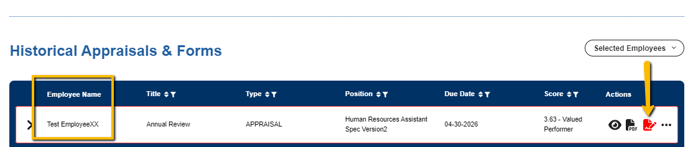
Logged in as manager, click Appraisals & Forms then scroll down to the Historical Appraisals & Forms table.
Next, select the employee associated with the document, then under Actions, select the red sign icon.
A pop up message will appear.
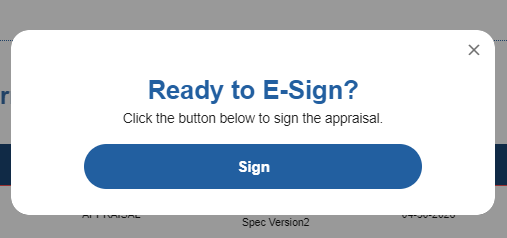
Click Sign.