![HRPS Logo1.png]](https://knowledgebase.hrperformancesolutions.net/hs-fs/hubfs/HRPS%20Logo1.png?height=50&name=HRPS%20Logo1.png)
NOTE
The Downline feature allows appraisers to view and/or edit the data and history of employees three levels beneath their direct reports. If the feature is not selected, an appraiser may only view his/her direct reports.
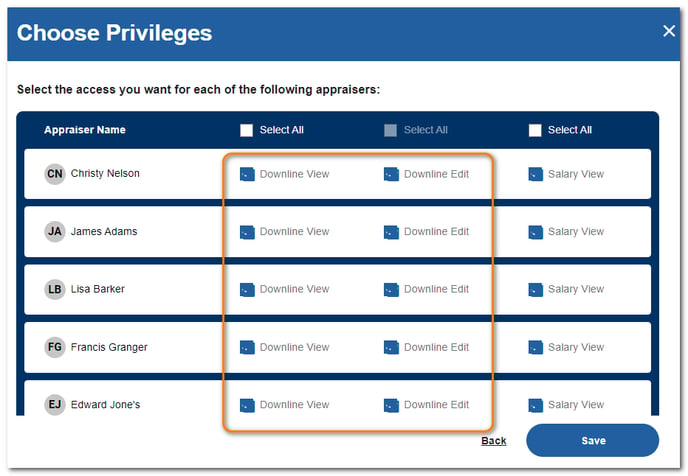
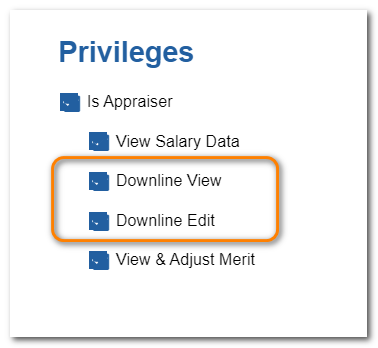
- Downline View - Appraisers with Downline View access may view, but not edit data for employees in their Downline.
- Downline Edit - Appraisers with Downline View and Downline Edit access may view and edit data for their Downline.
To Activate Downline Features
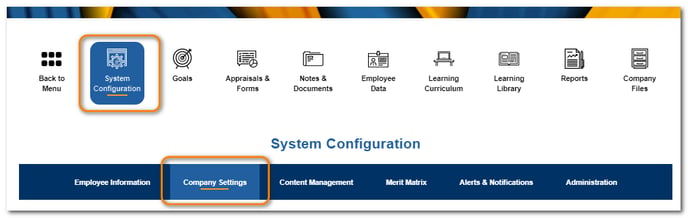
Click System Configuration, then Company Settings.
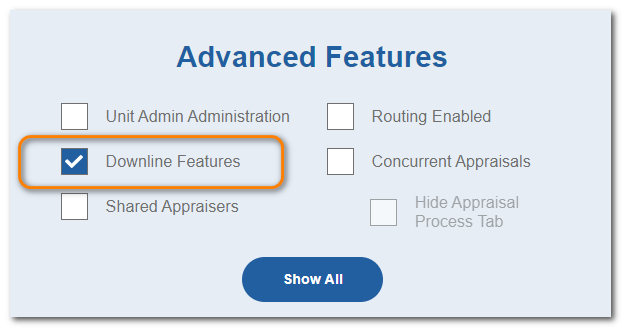
From the Advanced Features area, check Downline Features and click Save.
To Assign Individual Downline Privileges via Employee Data Screen
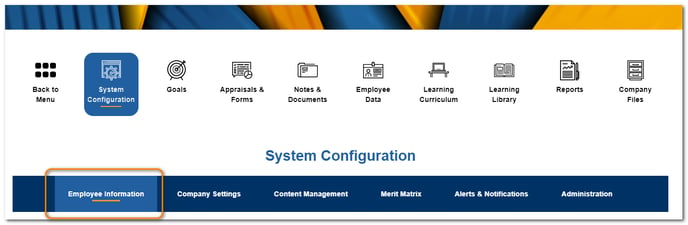
Click System Configuration, then Employee Information.
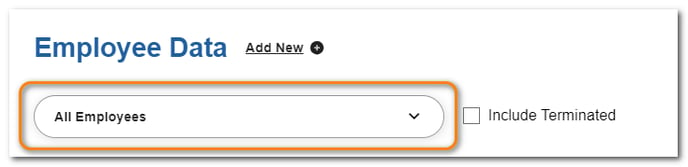
From the Employee Data section, select an appraiser.
In the Privileges area, select Downline View and then Downline Edit if applicable. Click Save.
To Assign Downline Privileges in Mass via Appraiser Setup Screen
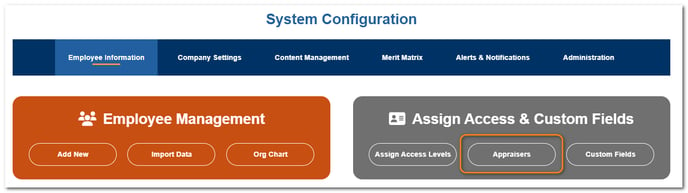
Click System Configuration, then Employee Information.
From the Assign Access & Custom Fields section, click Appraisers.
Click Assign Appraisers then NEXT: Choose Privileges.
Select the downline settings for the desired appraisers. Click Save.