![HRPS Logo1.png]](https://knowledgebase.hrperformancesolutions.net/hs-fs/hubfs/HRPS%20Logo1.png?height=50&name=HRPS%20Logo1.png)
Use Locations to define the locations where a training is conducted at your organization. You can add new locations or edit and delete locations.
-
Select Library from the Admin menu.
-
Click the arrow next to Courses, then select Course Locations. The list of course location records appears.
-
To add a new course location, click New on the toolbar.
-
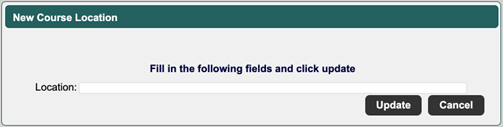
To edit an existing course location, select the location, then click Edit. The New or Edit Course Location screen opens in a new window:
-
Enter or edit the course location.
-
Click Update to save.