![HRPS Logo1.png]](https://knowledgebase.hrperformancesolutions.net/hs-fs/hubfs/HRPS%20Logo1.png?height=50&name=HRPS%20Logo1.png)
-
Select Employees from the Admin menu.
-
Click the arrow next to Employees to open the folder, then select Codes. The list of Codes records appears.
-
To add a new code record, click New.
-
To edit an existing code record, select the code you want to change.
-
Click Edit
-
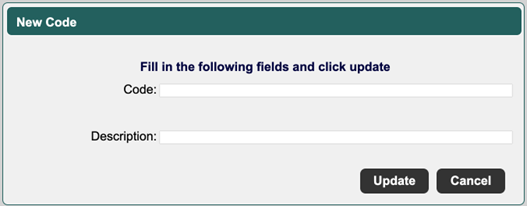
The New or Edit Code screen appears.
-
Enter a new code name or edit the existing one.
-
Enter or modify the code’s description.
-
Click Update to save the new code or your changes to the existing code.
Note: Any new code added is considered Active and requires a license.