![HRPS Logo1.png]](https://knowledgebase.hrperformancesolutions.net/hs-fs/hubfs/HRPS%20Logo1.png?height=50&name=HRPS%20Logo1.png)
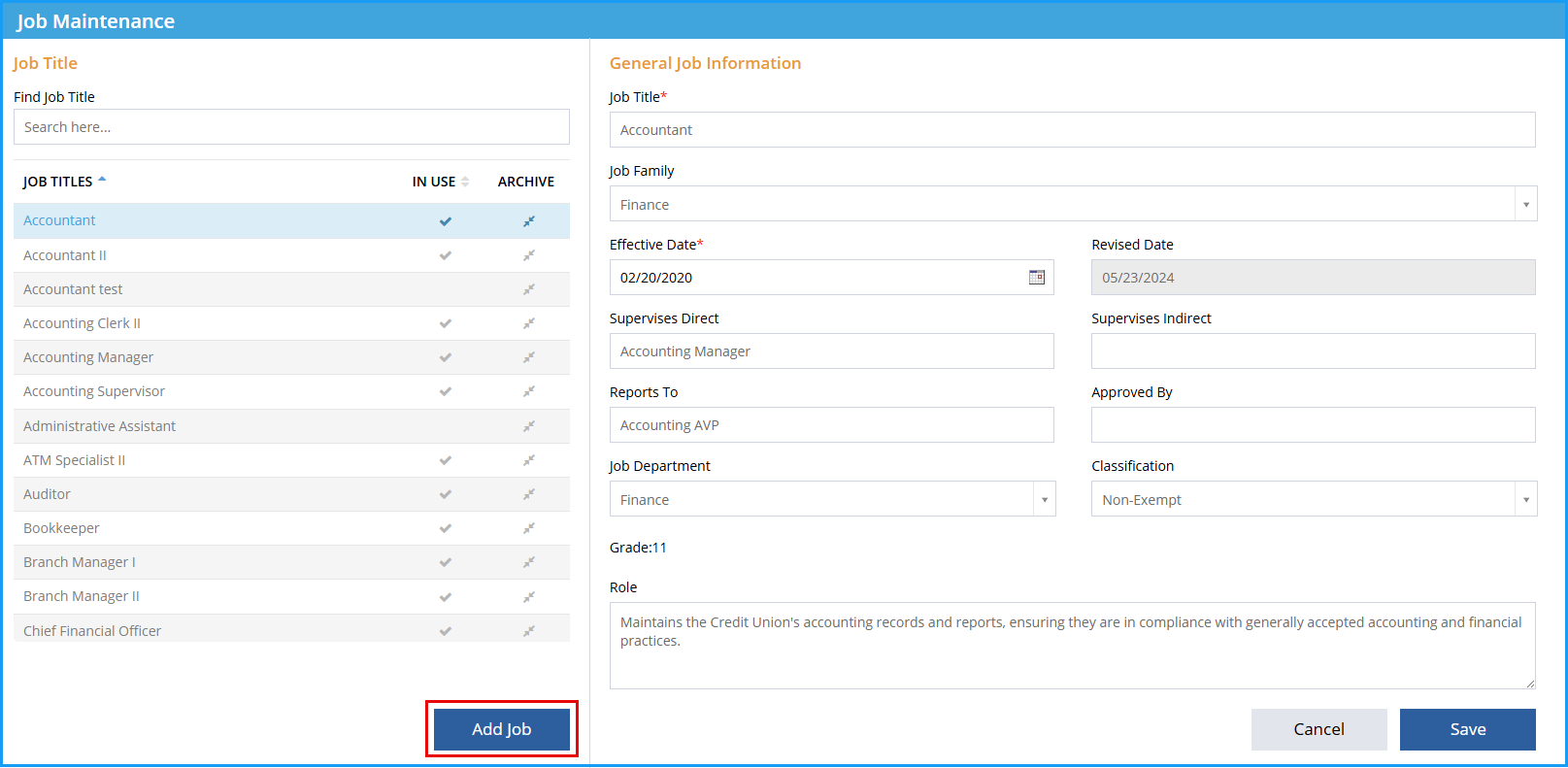
Job Master-->Job Maintenance-->Add Job:
-
Click Add Job icon.
-
Select from:
- Benchmark (jobs are already graded and tied to market data, template job description information included)
- Proforma (jobs are graded, but not tied to market data and require you to review the compensable factors to ensure alignment with your position’s specific duties/requirements, template job description information included)
- From Another Job (creates identical copy of existing job grading and description information, be sure to modify as appropriate)
- Manually (job is created based on information given, all grading and job description information needs to be completed)
-
Select the Job Title drop the corresponding dropdown. Please note, a dropdown menu will not exist is creating manually.
-
Enter New Job Title field to indicate the name of the new job title to be created.
-
Click Create Job.

See below for a video of these instructions.